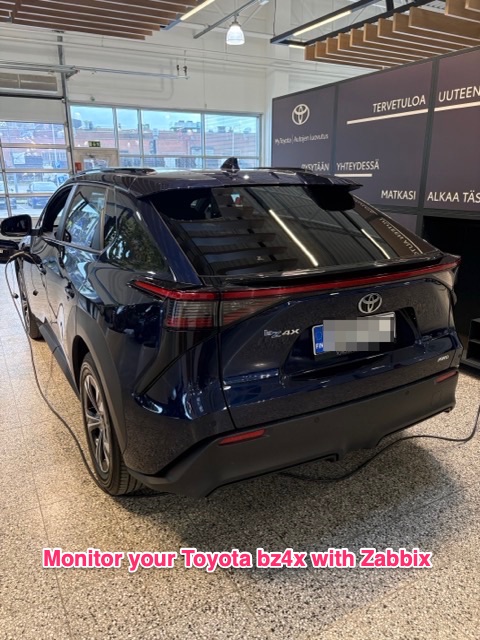
I recently switched our car to a used Toyota bz4x. For those who don't know, it's much like Toyota RAV4 but a fully electric version of it. Unlike our old RAV4, bz4x is constantly online. It only means one thing: I'm going to monitor it with my dear Zabbix.
Creating the integration
I cannot take much credit for this integration, as to be honest, much of this integration was actually created by Claude. I did tell it about my Zabbix, the car I have, and pretty soon I had a working integration cobbled together.
Basically Claude created few files for me:
- toyota_bz4x_collector.py -- polls Toyota Connected Services Europe API for data about my vehicle. Script is using pytoyoda Python module.
- toyota_bz4x.conf - config file to be put under /etc/toyota/toyota_bz4x.conf or whatever I want
- toyota_bz4x.service, toyota_bz4x.timer -- systemd files for this thing to run every X minutes (by default 15)
Then, the Zabbix template it created for me contains trapper items which receive the data from the toyota_bz4x_collector.py script.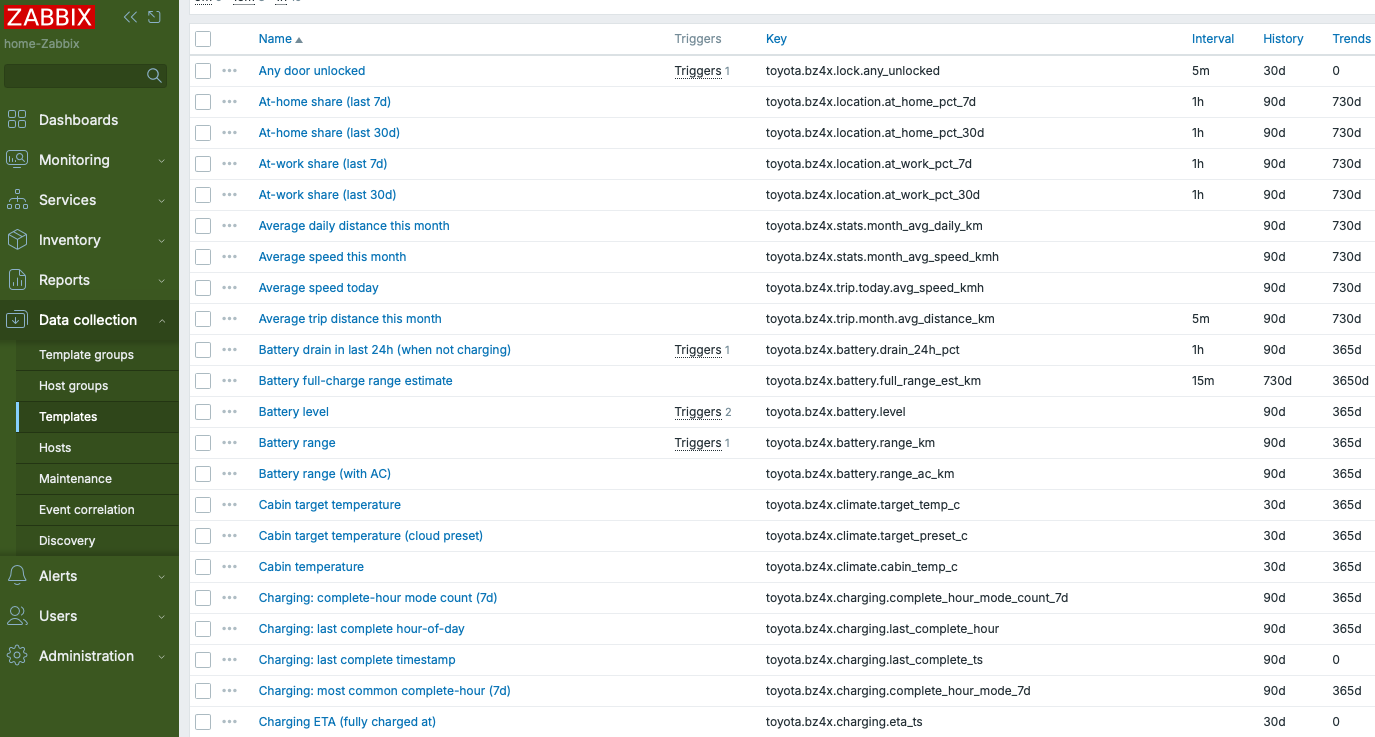
(I asked Claude why it wouldn't use Zabbix HTTP Agent item type for data gathering, it replied that in Toyota's case it would not be flexible enough. I didn't bother to check. Also, I will not publish these scripts or template before I check them with my own eyes.)
Is it working?
Of course it is! There's so many different areas and items monitored that this might accidentally be an useful integration!
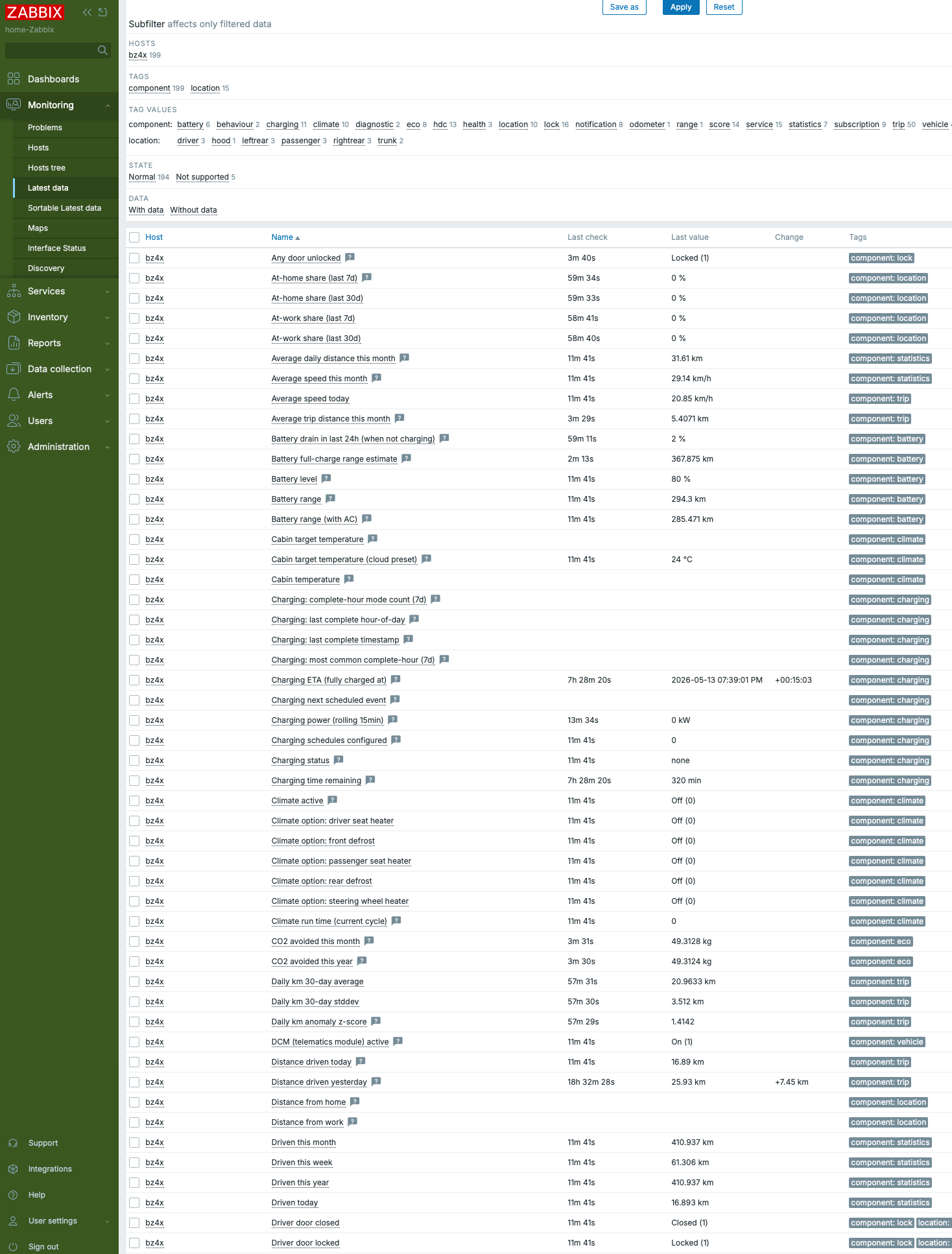
Let's turn that screenshot into a better list:
- Charging details: charging speed, current battery level, battery range with and without AC, charging schedules, charging time remaining if currently charging, battery drain when not driving, estimated charging cost this month, kWh charged in last 24 hours/this month
- Climate details: if car AC is remotely enabled via the app, report the target temperature, how long AC has been running, driver/passenger seat heaters status, front/rear window defrost status, steering wheel heater status
- Speed details: average speed today/this week/this month, last trip speed and more
- Distance details: same than with the speed
- Driving score details: Driving score for acceleration, constant speed and braking, harsh acceleration/braking events, number of events car had to note you about something, all these for today, yesterday, this month, last month
- Driving mode details: Time/distance spent in Eco/normal/power mode (power mode is weird, there's no separate button for that unlike in RAV4, but maybe car automatically imagines using one when on highway or overtaking?), also details about regenerative braking
- Trip details: Trip starting/ending latitude/longitude, day/night trip, estimation if the drive was an errand, commute, long drive or something else, fastest/longest trip today/this month, car lifetime average trip km, time since last trip, odometer
- Door/window/trunk details: Are those open, locked or unlocked?
- Notifications: Notification history as text: "Climate was remotely started", "Charging started", "Charging stopped" etc
- Subscription details: Status of Toyota's Remote Services, Smart Services Limited, Standard Services licenses: expiration date, active or not, how many days until they expire
- Service details: Last service date, kilometers since last maintenance, number of maintenance/repair/accessory addition visits to service
- Warnings: Active warning lights count, active warning lights details
- Other: Vehicle age in days, CO2 avoided in kg in this month/this year
It's absolutely crazy how many details we can get about our cars now.
Useful examples
That's a lot of data, but what to do with it?
- Compare how well the estimated battery range will match with actually driven kilometers
- Check the charging times / speed
- Check how maximum range varies during different seasons and depletes over time
- See how your driving patterns, style, trip lengths vary over time
- See how your charging costs change over time
And much more! I might get back to this topic after more data has been collected, as now my monitoring has only been up for few days for this.
